
Your living room just became the main stage. Singa now supports AirPlay, so you can cast both lyrics and audio wirelessly from your iPhone, iPad, or Mac to your TV. No cables. No complicated setup. Just connect and start singing. Whether you're hosting friends or warming up solo, the experience is a step up from singing off a phone screen.
Why AirPlay takes your karaoke nights further
Karaoke is better when everyone can see the screen. With lyrics and visuals on your TV, the whole room can sing along without squinting at a small device.
It instantly feels more immersive, more social, and more like a real karaoke venue.

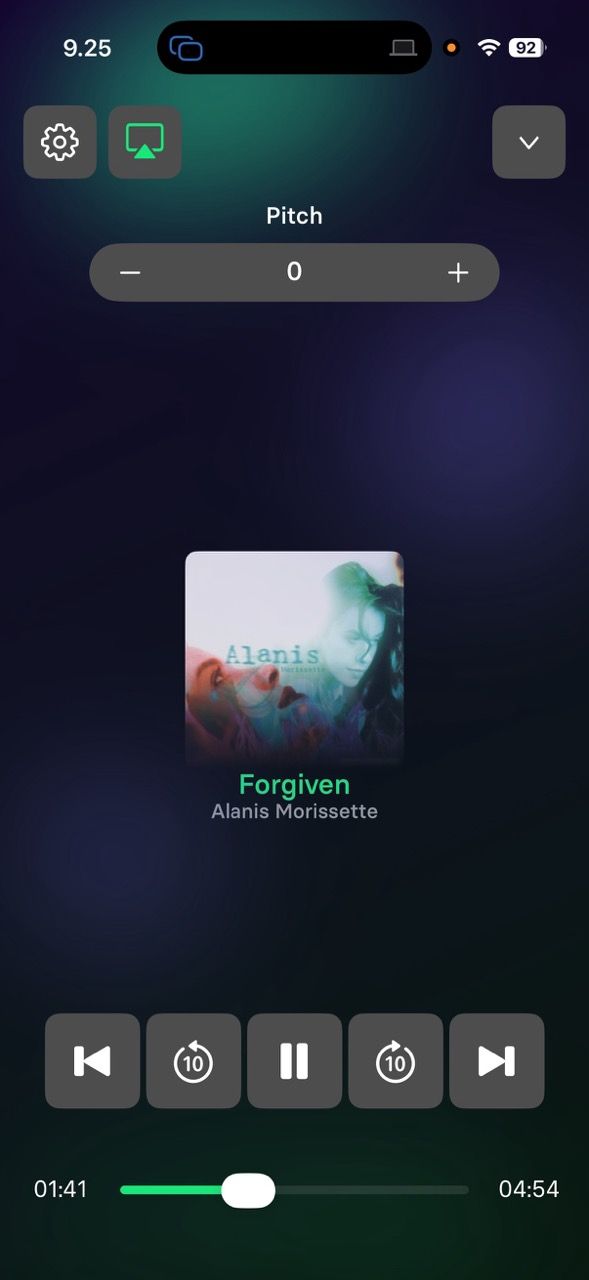
Wireless setup in seconds
All you need is your iPhone, iPad, or Mac and an AirPlay-compatible TV on the same Wi-Fi network.
Most modern smart TVs already support AirPlay 2, including many models from:
- Samsung
- LG
- Sony
- Vizio
- Roku TV
You can also use Apple TV and other AirPlay-enabled receivers. No HDMI cables. No adapters. Just seamless streaming directly from Singa.
Stay in control while the party flows
Want to queue up the next power ballad while someone’s belting out a classic? Easy.
With AirPlay, the performance runs on the big screen while you browse songs and manage the queue from your device. The music keeps going, the energy stays high, and you stay in control.

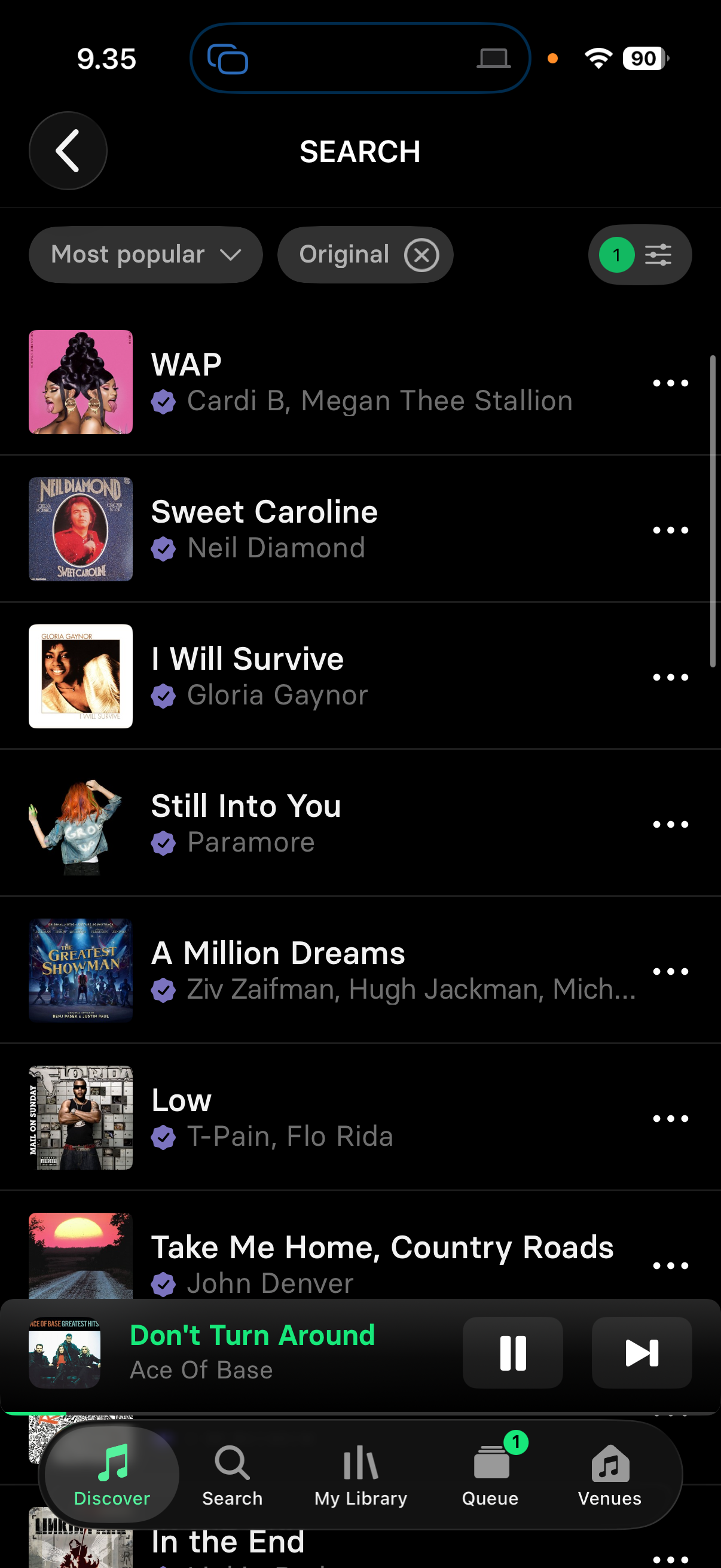
How to start singing on the big screen
Using iPhone or iPad
- Open Singa and play a song.
- Tap the AirPlay icon in the app, or open Control Center.
- Select your compatible TV or AirPlay receiver.
- Enjoy karaoke on the big screen.
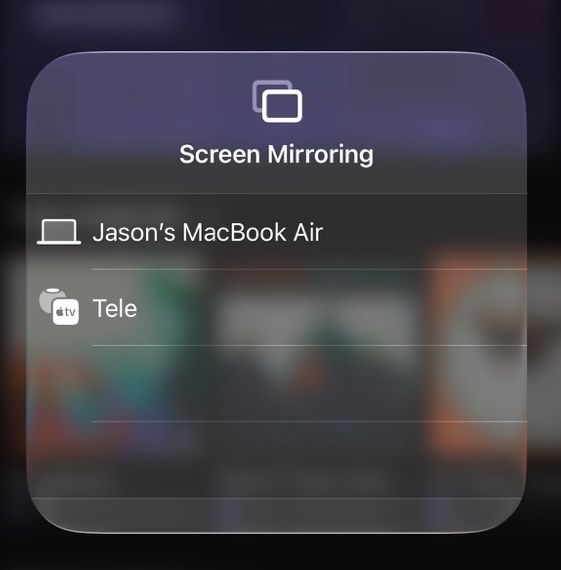
Using Mac
- Open Singa in your browser.
- Click the Control Center icon in the menu bar.
- Select Screen Mirroring and choose your compatible TV or AirPlay receiver.
- Start singing and watch the show on your TV.
On Android or Windows? Follow this home karaoke guide, using an HDMI cable to connect your laptop or phone directly to your TV, or download the Singa app on a compatible Samsung or LG Smart TV.
Ready to try AirPlay on Singa?
Update the Singa app or open singa.com on your Mac and give it a go. For more on setting up karaoke at home, see our full home karaoke setup guide.
New to Singa? This makes your first session unforgettable. Connect your device, gather your friends, and create a full karaoke setup at home in minutes.
Frequently asked questions about AirPlay
Does AirPlay work on Android?
No, AirPlay is Apple only. Android users can connect via HDMI or the Singa Smart TV app.
Which TVs support AirPlay?
Most modern Samsung, LG, Sony, Vizio, and Roku TVs, plus any Apple TV.
Do I need to download anything?
Singa works in your browser on Mac, or via the app on iPhone and iPad. No additional software needed for AirPlay.
Can I browse songs while someone else is singing?
Yes. Singa's song queue lets you manage the playlist from your device while the lyrics display on the TV.
