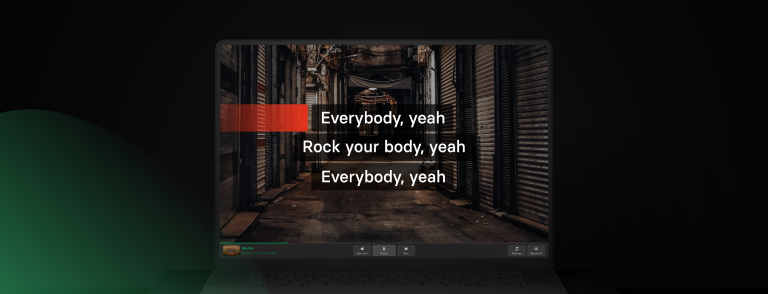
Running a karaoke night means juggling song requests, managing a queue, and keeping the crowd engaged, all at once. Singa Pro brings it all together in one place: professional karaoke software built for hosts, bars, events, and entertainment venues.
It runs right in your browser on Windows, macOS, or any laptop you already own, plugs into the audio and screens you already use, and comes with a commercial music licence built in. No complicated setup, no extra equipment to buy. Just more time to focus on your guests.
Built for professional karaoke nights
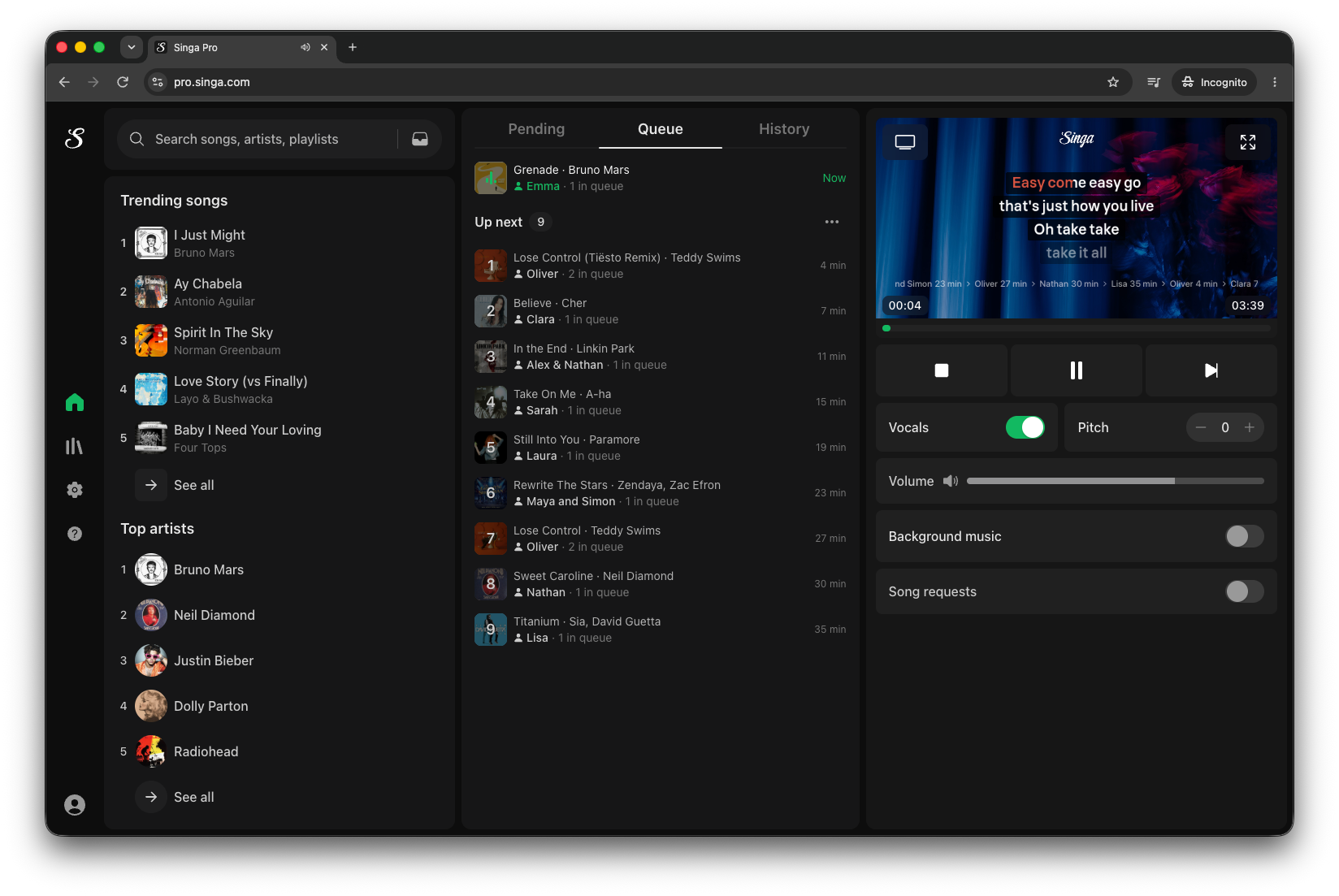
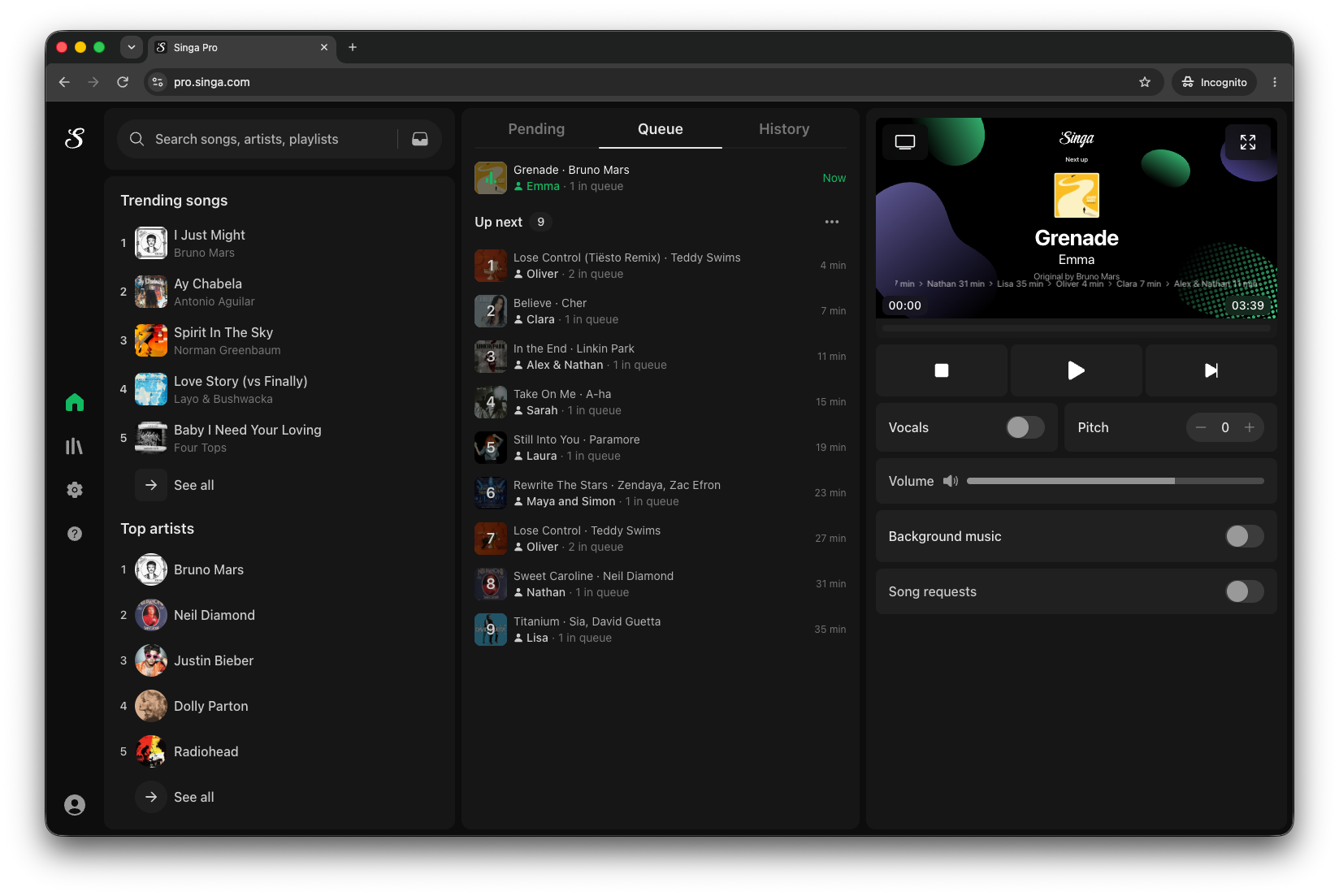
Singa Pro is designed for the people actually running the show: the karaoke hosts, the venue managers, the event operators. Everything you need to run a professional karaoke night is in one interface: search, queue, playback, requests, and background music, all working together.
The world's largest licensed karaoke catalogue
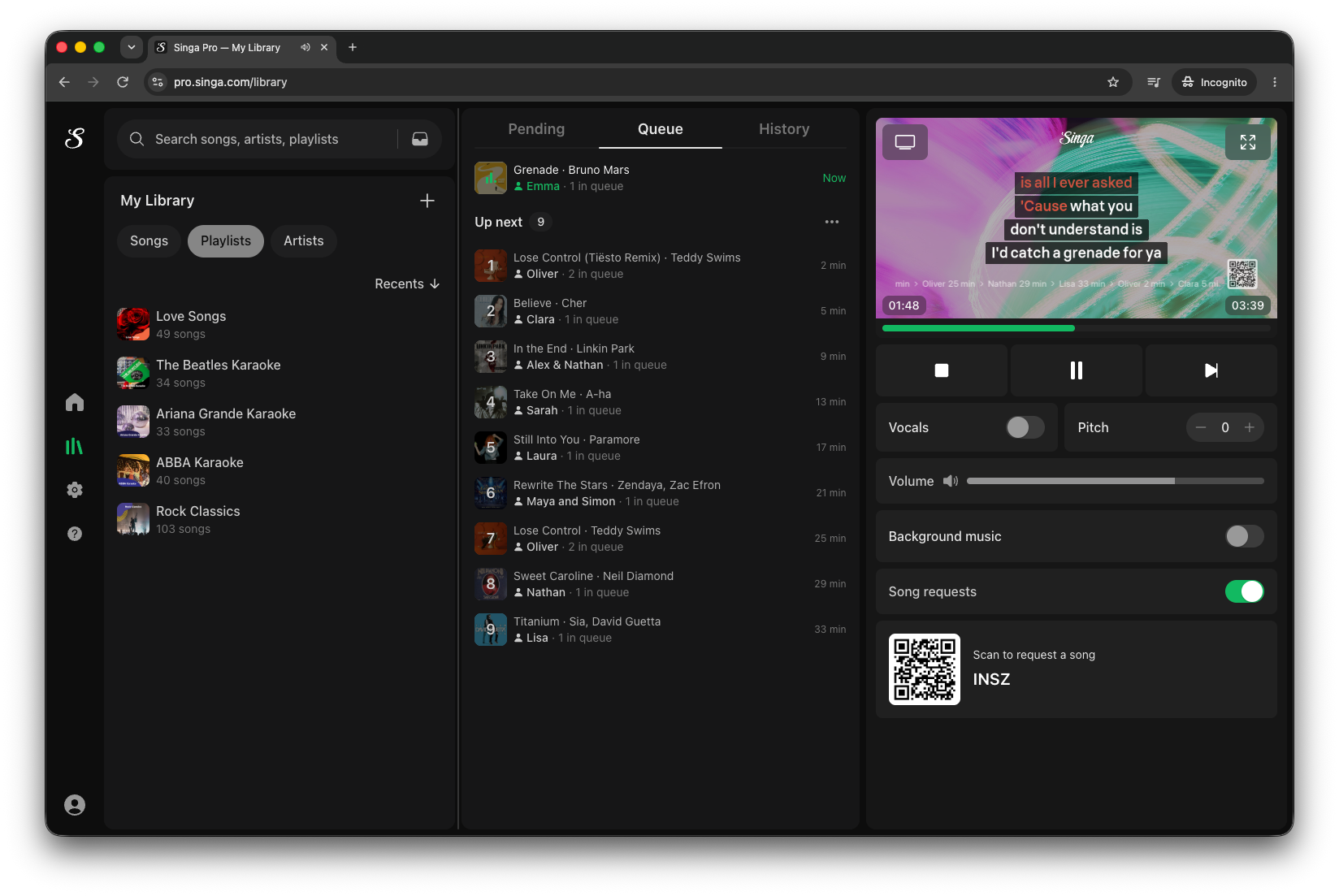
Give your guests something to actually sing. Singa Pro comes with the world's largest licensed karaoke catalogue, including Singa Originals, original artist recordings, not just covers, so the crowd hears the real thing.
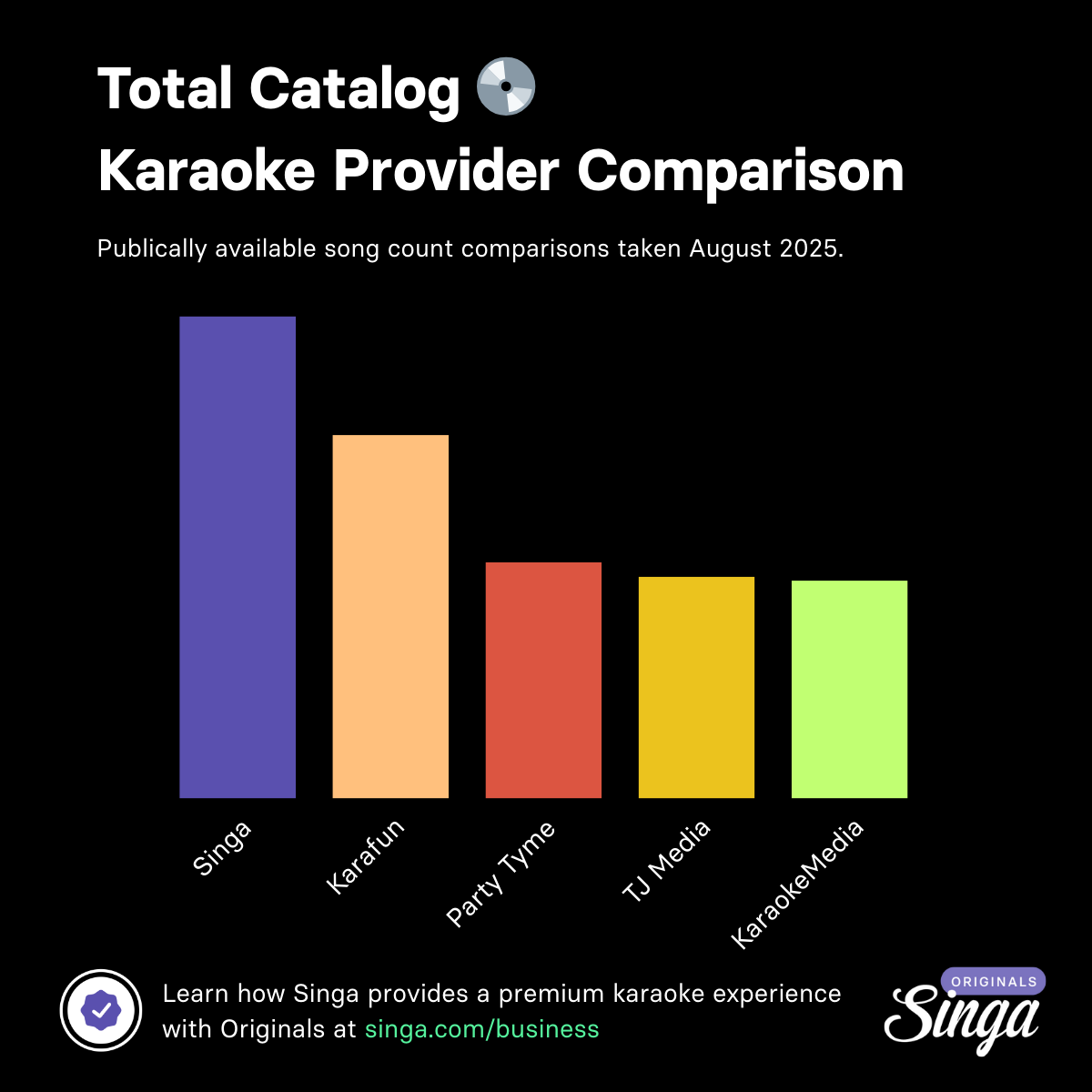
Need inspiration? Browse trending songs to see what's landing that week, or fire up a ready-made playlist to get the night started without thinking twice.
Powerful queue control
Add requests as they come in, drag songs into a new order on the fly, or line up a few crowd favourites before the first singer even takes the mic. The queue view is the control panel for the whole night: everything visible, everything reorderable, no surprises.
A player made for live performance
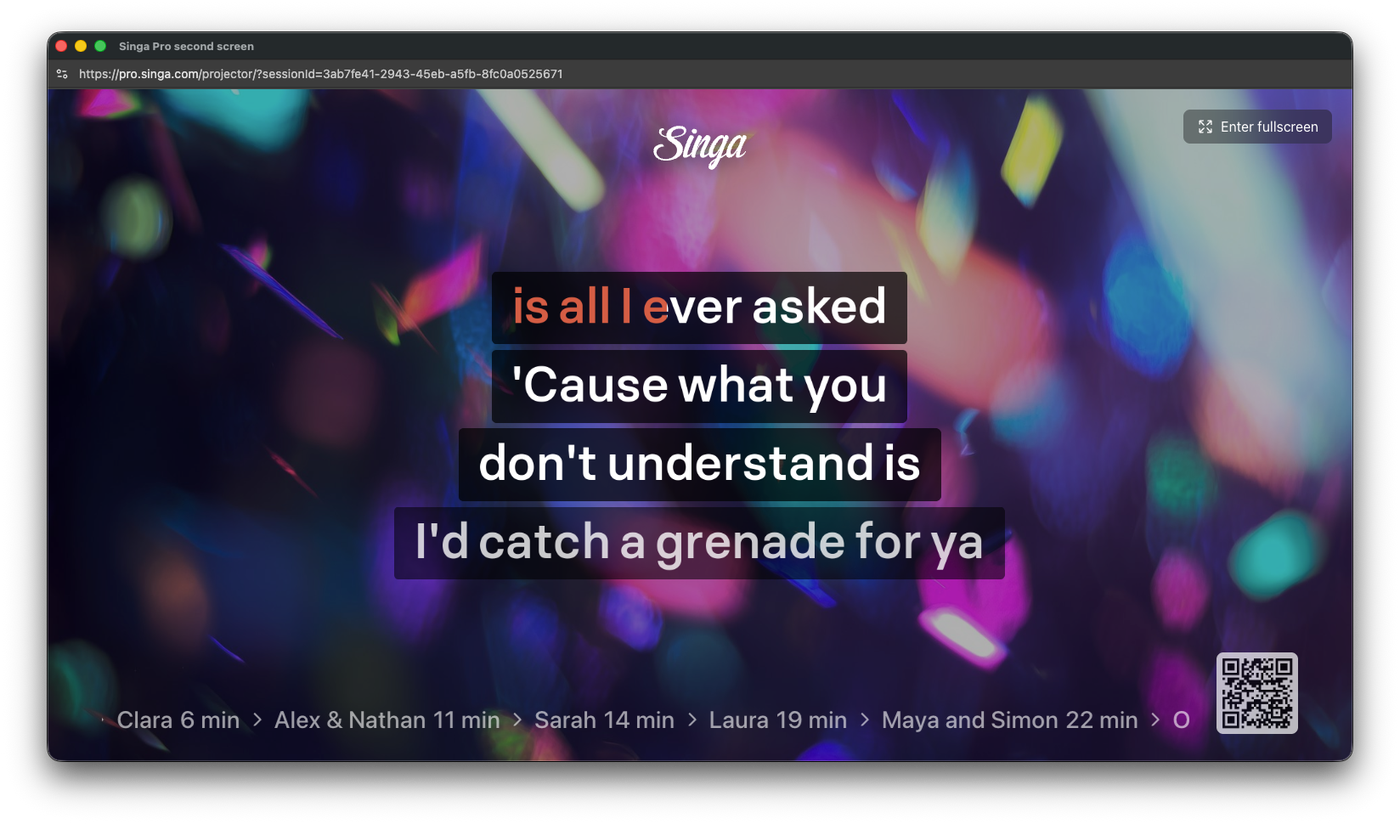
When it's time to perform, cast the lyrics to a second screen so the singer can face the crowd. Adjust the pitch to suit each voice, or turn on guide vocals when someone needs a little extra support to get through the chorus.
Song requests, straight from your guests' phones
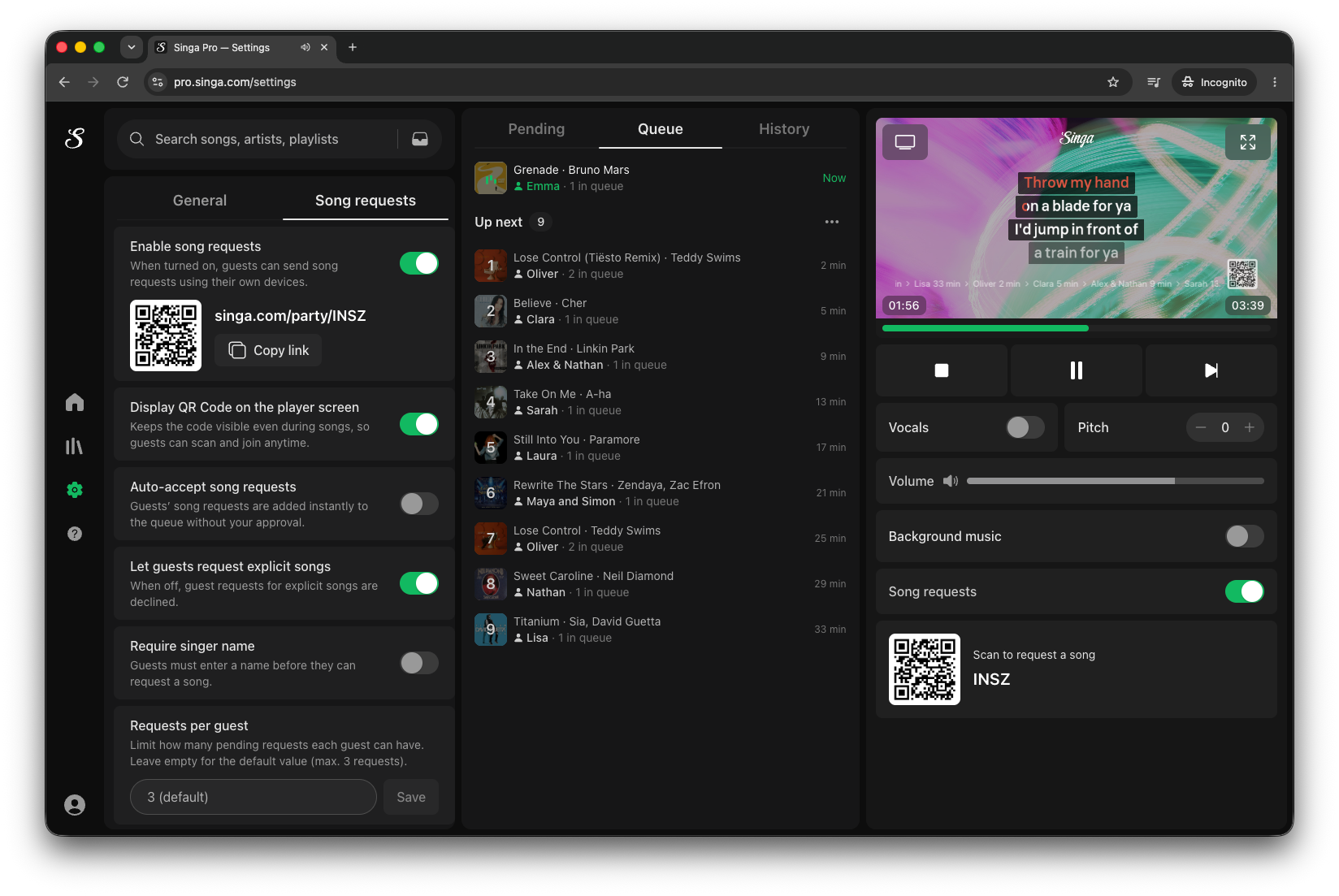
Nobody has to leave their seat to make a request. Guests scan a QR code, pick their song from Singa's catalogue, and send it through to you.
Review requests as they land, or switch on auto-accept so they drop straight into the queue. Whichever way you run the room, the control stays with you.
Background music between songs
No awkward silence while the next singer gets ready. Built-in background music keeps the atmosphere going between performances, so the room never loses its energy.
Set it up your way
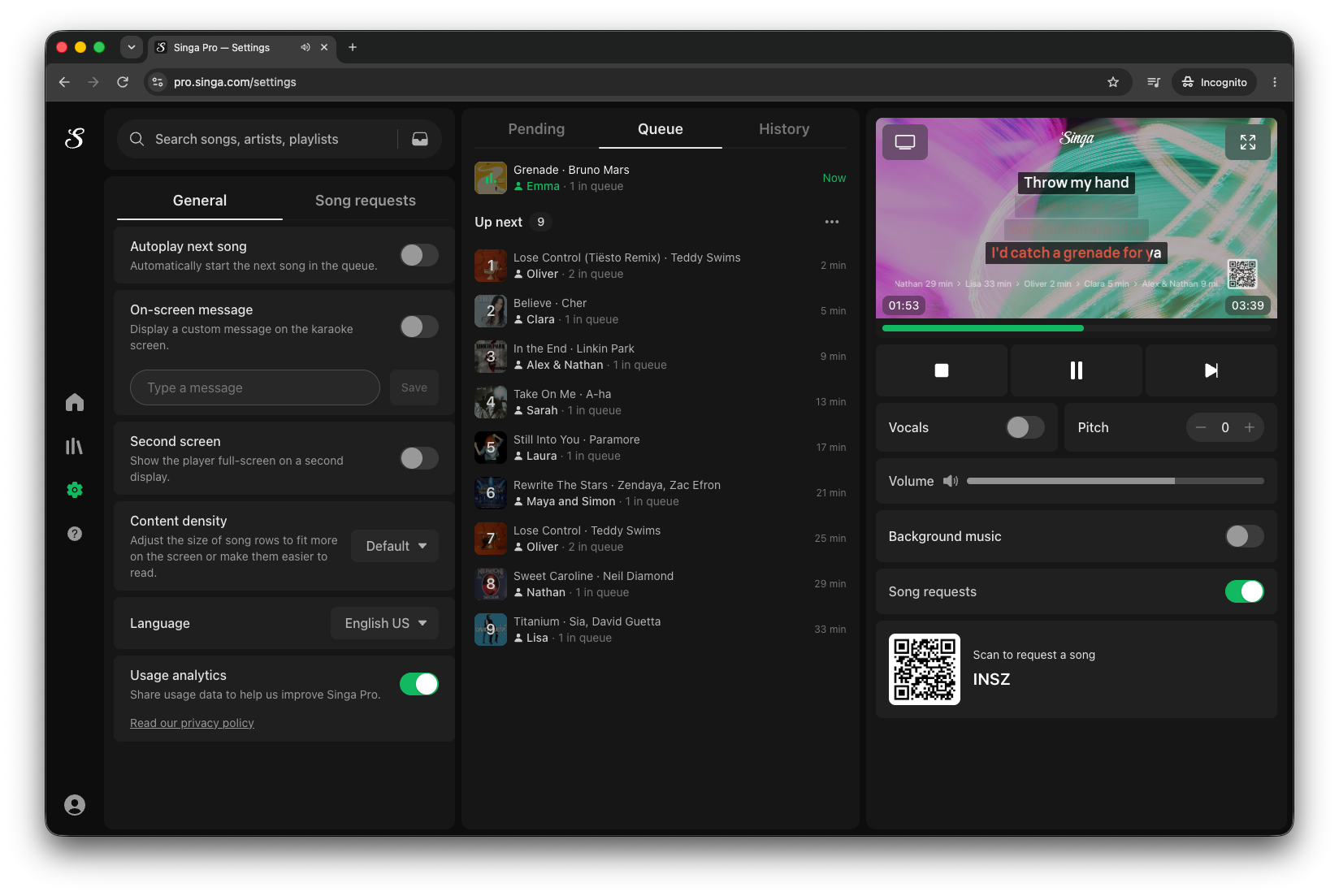
Every venue is different. Singa Pro's general settings put language, second-screen mode, autoplay and content density in your hands from the first login.
Desktop apps for Mac and Windows — now live
Native desktop apps for Mac and Windows are now available at pro.singa.com/download. Running Singa Pro as a desktop app unlocks two features you don't get in the browser: an offline library and the ability to play your own karaoke videos.
Offline library (desktop only)
Download songs ahead of time and keep singing even when the venue's Wi-Fi is wobbly. A dropped connection no longer stops a set.
Play your own karaoke videos (desktop only)
Upload karaoke videos from your own collection and queue them alongside Singa's licensed catalogue. Private tracks, custom mixes, local-artist versions — all sitting next to the main catalogue in the same player.
Less juggling. More singing.
That's Singa Pro, professional karaoke software that keeps up with the room, made for the hosts, venues, and events that make karaoke happen.
Replacing an existing karaoke system? Read our step-by-step guide to switching to Singa.
Ready to see it in action? Try Singa Pro for free at singa.com/business.